


6+

Full View
Similar items
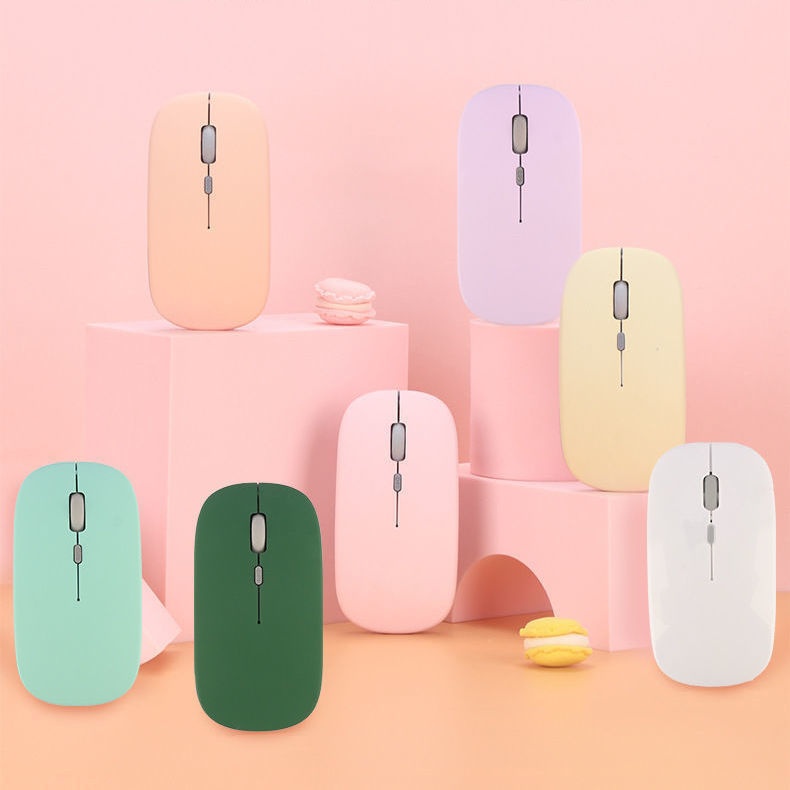
Digitex Digitex Dual-mode Wireless Bluetooth Mouse Compatible With Mobile Phones, IPads, Laptops, Office Desktops, Silent Keyboard
2697.673527.38
Color : Black-Bluetooth Battery Model


Quantity :
 Customer Service
Report
Include copyright infringementFree Standard Shipping. See details
Estimated between Fri, May 22 and Thu, Jun 11
You can return the product within 30 days of receipt. See details
Shop with confidence

Money Back Guarantee
Get the item you ordered or your money back. Learn more
About this item
Sourced from Digitex
Seller assumes all responsibility for this listing.Item number: 32956852
Item specifics
Features
Mixed Light, Single Light, Matte
Axis
Optical Axis, Green Axis, Tea Axis
Numeric Keypad
No, Yes
Connection
Bluetooth
Size
100Mm-120Mm, 121Mm-130Mm, <100Mm
Item description from the seller
If the phone cannot find Bluetooth because it does not support 5.0, the solution is to press and hold the DPI green light until it changes from fast flashing to slow flashing after powering on, then switch directly back to 3.0
1. The battery-powered Bluetooth mouse does not include a receiver and is shipped without batteries: it supports smart Bluetooth phones and tablets of any model or brand, with an iPad system requirement of IOS13 or higher. Only compatible with Windows systems running Windows 10 or above for Bluetooth use, or purchase dual-mode for universal compatibility!
2. Rechargeable Dual-Mode Bluetooth Mouse with Receiver, Rechargeable Bluetooth Connection, Also USB Wireless Connection! Compatible with Any Mobile Phone, Tablet, Desktop Computer!
Rechargeable version: Remove the receiver, plug it into the computer USB port, approach the receiver and turn on the switch at the bottom of the mouse. Wait a few seconds; the bottom light flashes, indicating successful connection.If there are any issues, please try reconnecting the receiver and turning the mouse on and off until the connection is successful
Bluetooth Version: Turn the switch on the bottom of the mouse to the Bluetooth position. At this time, the mouse light will flash in a waiting state for connection. Turn on the Bluetooth function of your device and search for 'BT5.2 MOUSE' or 'BT 3.0 MOUSE'. Choose either one to connect. If you encounter any issues, you can press and hold the DPI button for 5 seconds until the mouse light changes to a flashing waiting state for connection, then search for connection again


 4.4 out of 5 based on 9,249 reviews