


4+
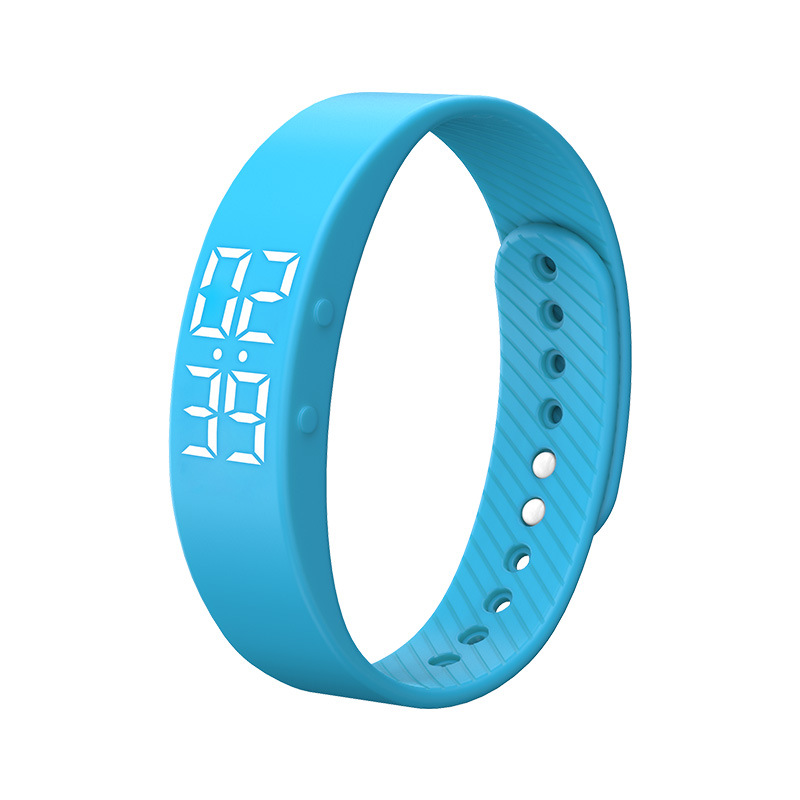

Vollansicht
Ähnliche Gegenstände
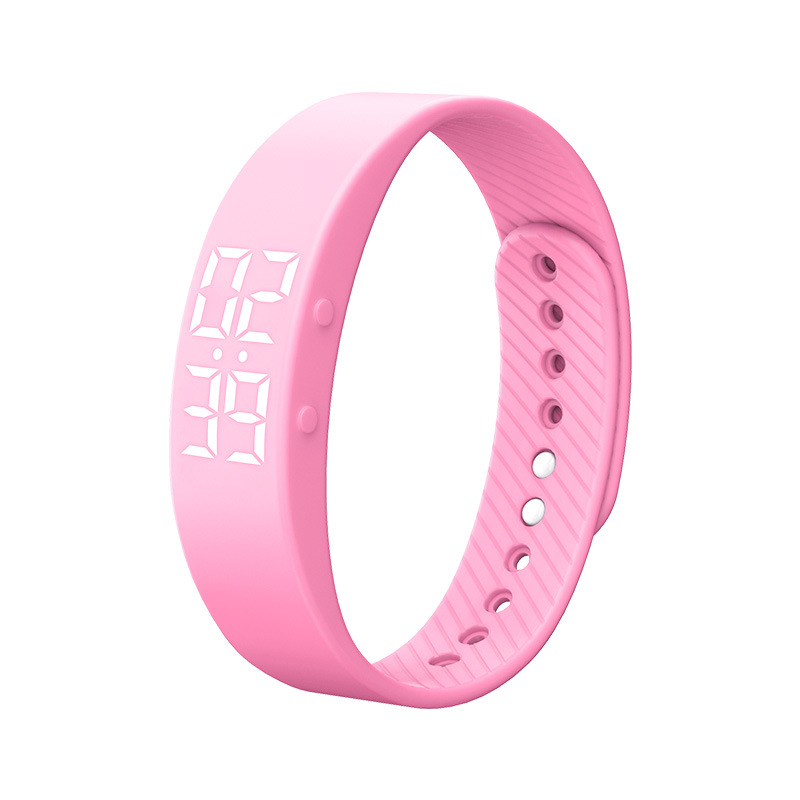
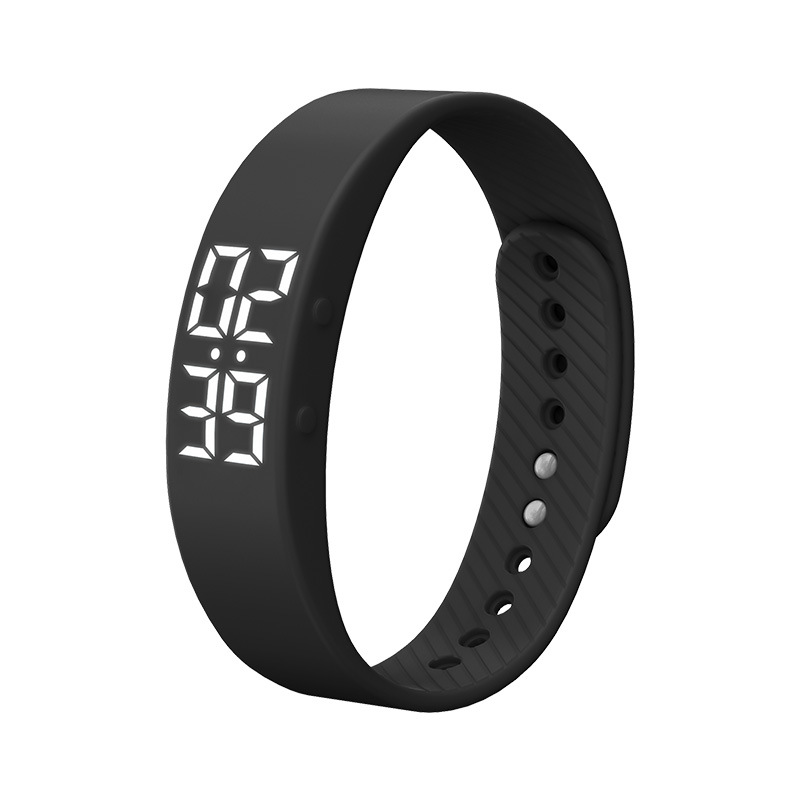
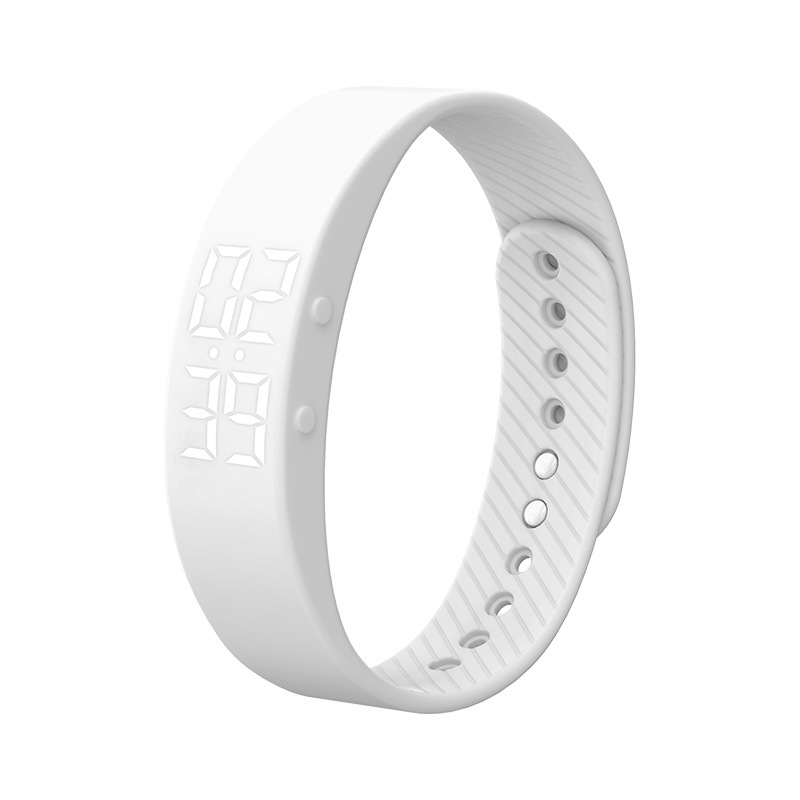
Kinder uhr Smart armband studenten kinder bewegung meter armband vibration wecker LED elektronische uhr
15.82
| Art.-Nr | Preis | Menge | |
|---|---|---|---|
| bläulich | 15.82 | |
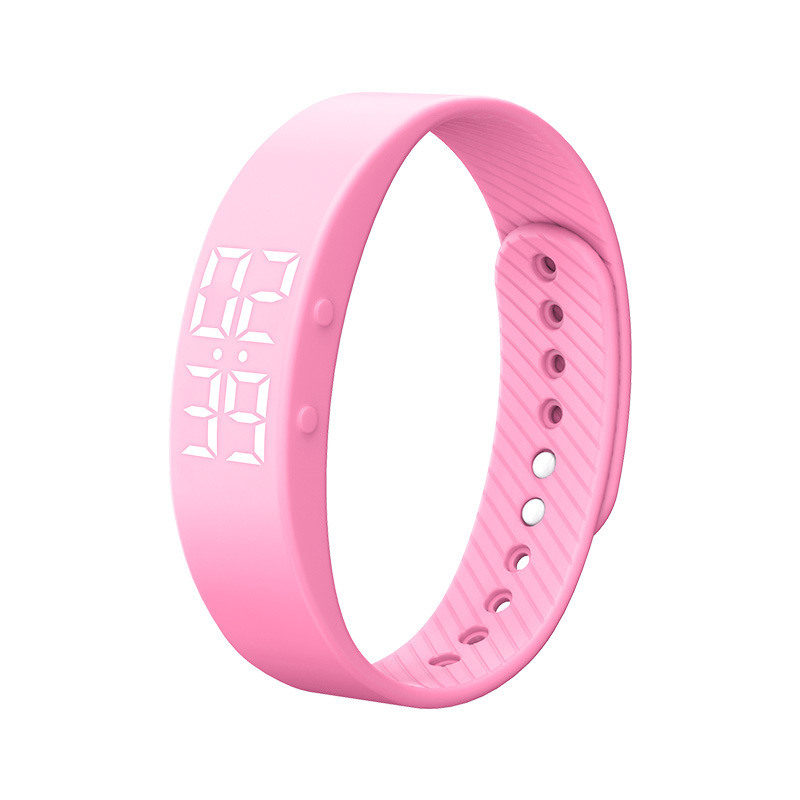 | Rosa | 15.82 | |
| Weiss | 15.82 | |
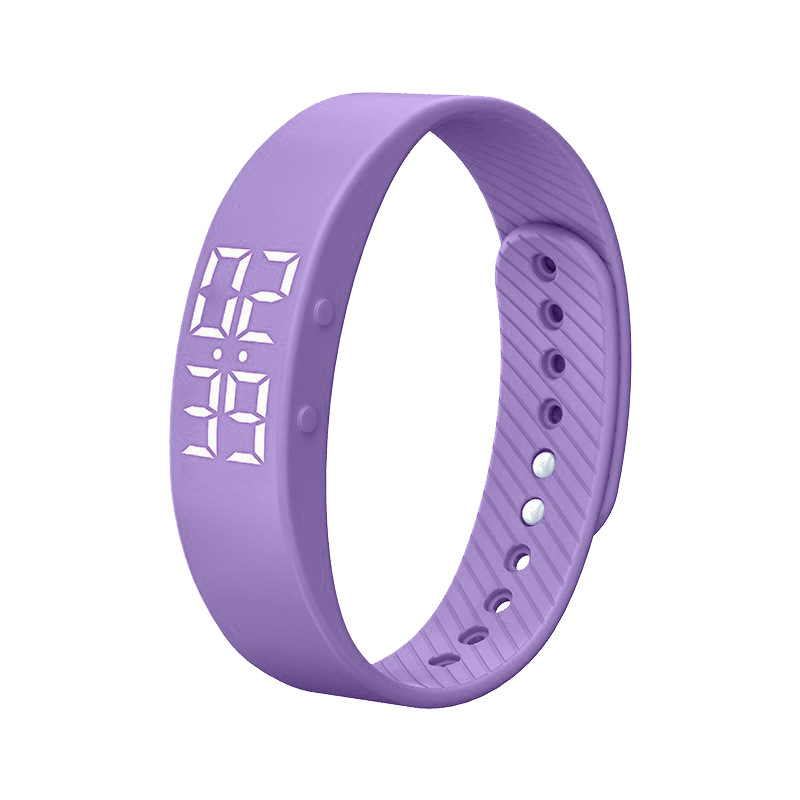 | violett | 15.82 | |
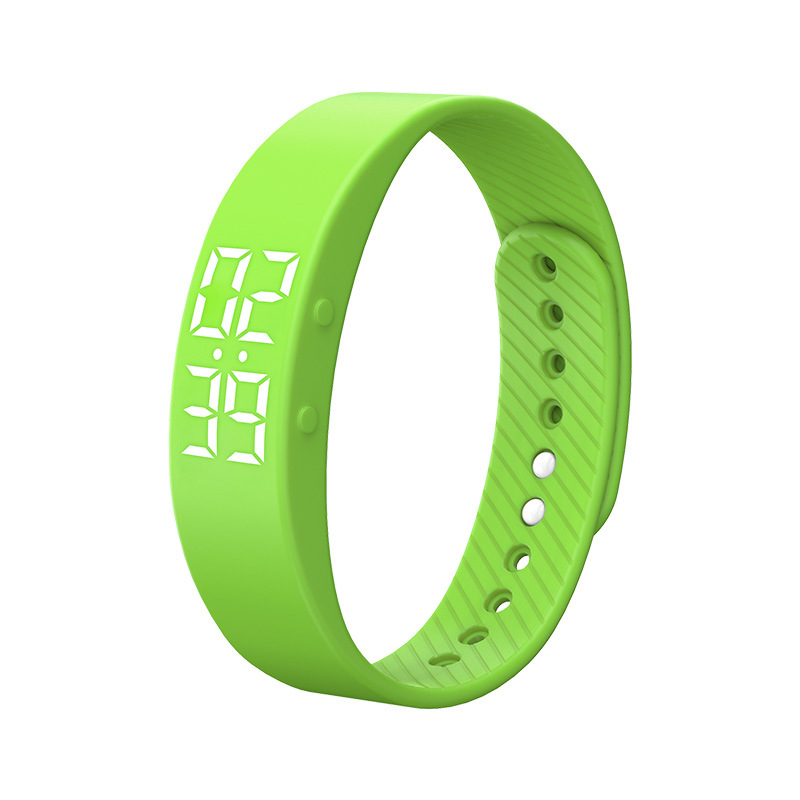 | Grüns | 15.82 | |
| Schwarz | 15.82 |

Bericht
Urheberrechtsverletzungen einschließenKostenlos Standardversand. Siehe Einzelheiten
Geschätzt zwischen Sat, Jul 4 und Fri, Jul 24
Sie können das Produkt innerhalb von 30 Tagen nach Erhalt zurückgeben. Siehe Einzelheiten
Sorgenfrei einkaufen

Geld-Zurück-Garantie
Erhalten Sie den bestellten Artikel oder Ihr Geld zurück. Mehr erfahren
Über diesen Artikel
Quelle: Electronics Expo
Der Verkäufer übernimmt die volle Verantwortung für dieses Angebot.Artikelnummer: 26138848
Artikelspezifikationen
Artikelbeschreibung vom Verkäufer
T5S Instructions
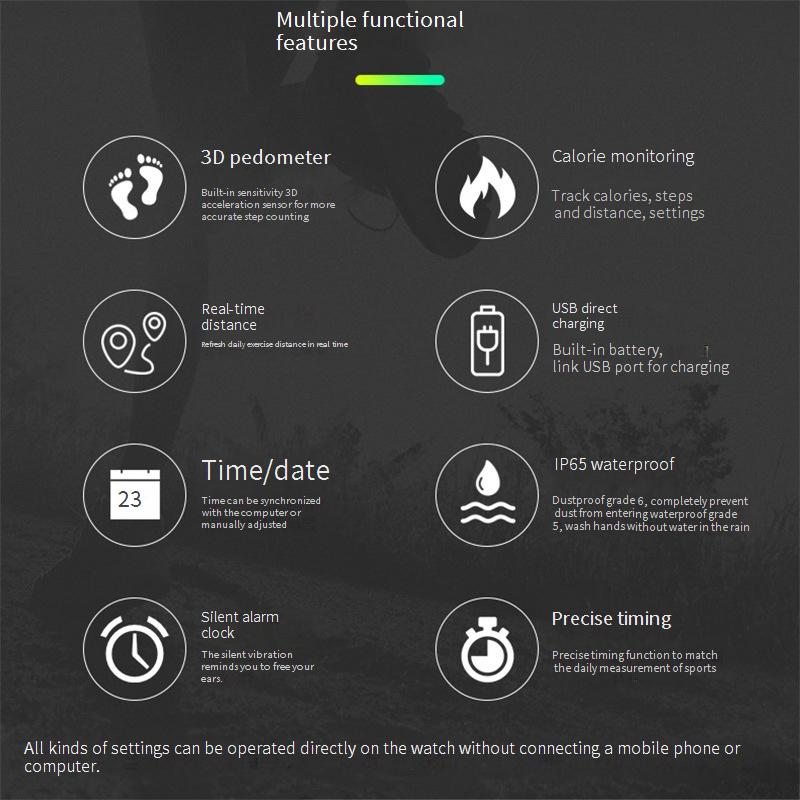
● Watch the time/date: in standby state, tap [Down button] to display the time, display the date after 5 seconds to view the number of steps: In standby state, press [down button] twice to display the number of steps, in the state of display the number of steps, hold down the button for 3 seconds to clear the step count data
● Viewing distance: In standby state, press [down button] 3 times consecutively to display the number of miles of the day's movement
● Check calories: In the standby state, press [down button] 4 times to display the calories consumed during the day's exercise
● Check the alarm clock: In the standby state, press [Down button] five times to display the current alarm switch status
● Check the remaining power: in the standby state, hold down the [down button] for 3 seconds to display the remaining power, when the power is less than 10%, the remaining power will be displayed after looking at the time/date, reminding the need to charge
● Enter the timing state: In the standby state, tap [Down button] to display the time, then press [down button] for 3 seconds to display "0", then tap [Down button] to enter the timing, the timing range is 1 second ~59 minutes 59 seconds, during the timing, you can tap the button to pause/continue the timing, and press [down button] for 3 seconds to exit the timing.
● Set time: In standby state, tap [Down button] once to display the time, then hold down [Up button] for 3 seconds, you can enter the setting mode, at this time, "hour" starts to flash, tap [Down button] to increase the hour number, or tap [up button] to reduce the hour number, after the hour is set, hold down [up button] for 3 seconds, then "minute" starts to flash. Tap [Down button] to increase the number of minutes, so set the month/day/year /12/24 hours
● Set the alarm: In the standby state, press [Down button] 5 times to switch to the alarm screen, and then long press [Down button] to turn on/off the alarm clock (display OF indicates the alarm is off, display time indicates the alarm is on). After starting the alarm, hold down the [up] key for 3 seconds to enter the alarm setting mode. At this time, Hour starts to flash. Tap the key to adjust it, or hold down the [Up] key to change the minute setting of the alarm.







 4.4 von 5 basierend auf 9,249 bewertungen